
Will the 1xBet APK update itself, or do you have to fetch the new file by hand? That question lands in every regular user's head sooner or later, usually right after a version prompt appears at the worst possible moment. This guide walks through the whole cycle of living with the Android app day to day: getting the file, installing it safely, keeping it current, using its main sections, and knowing what to do when something breaks.
Getting the File Onto Your Phone
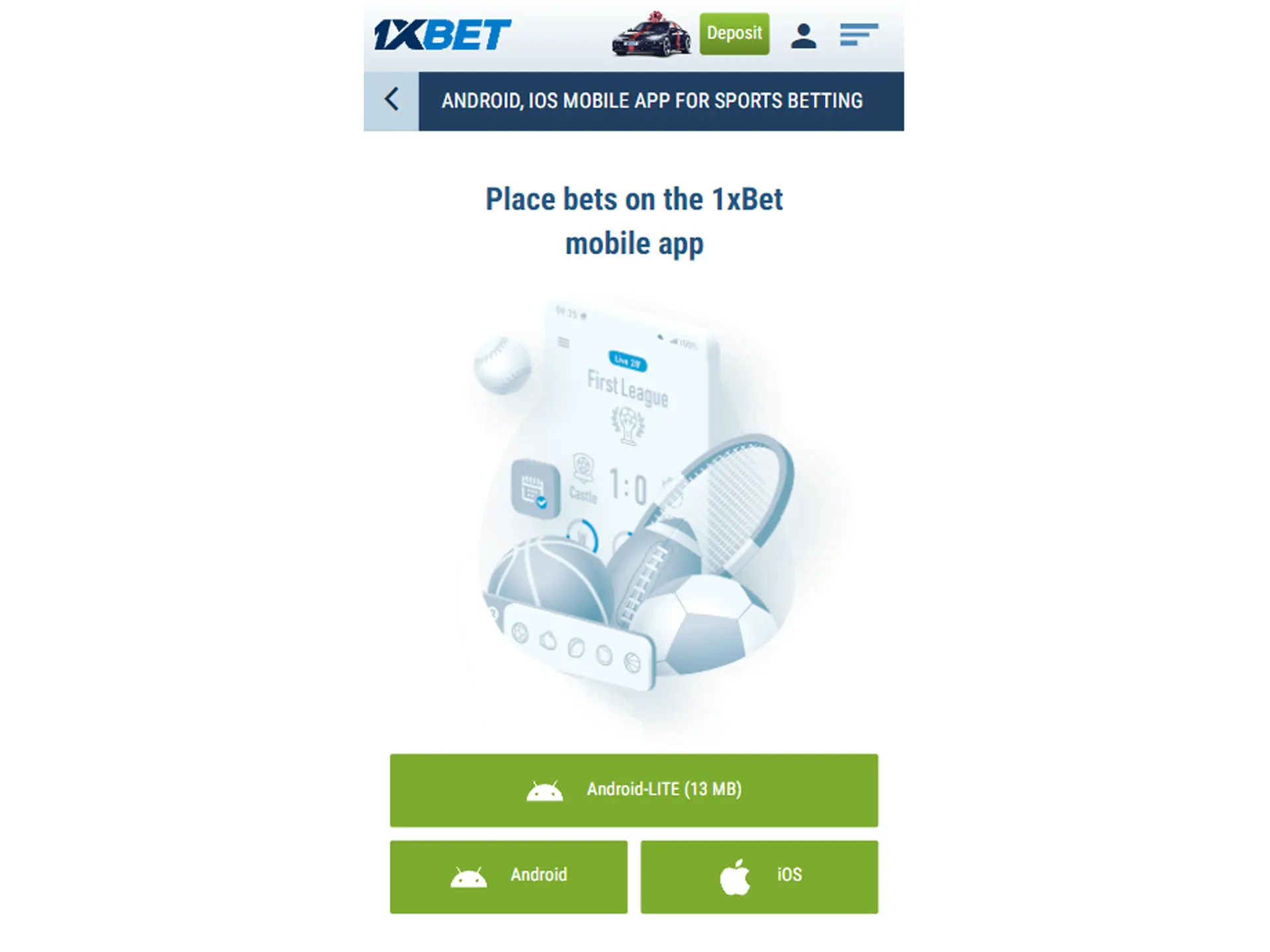
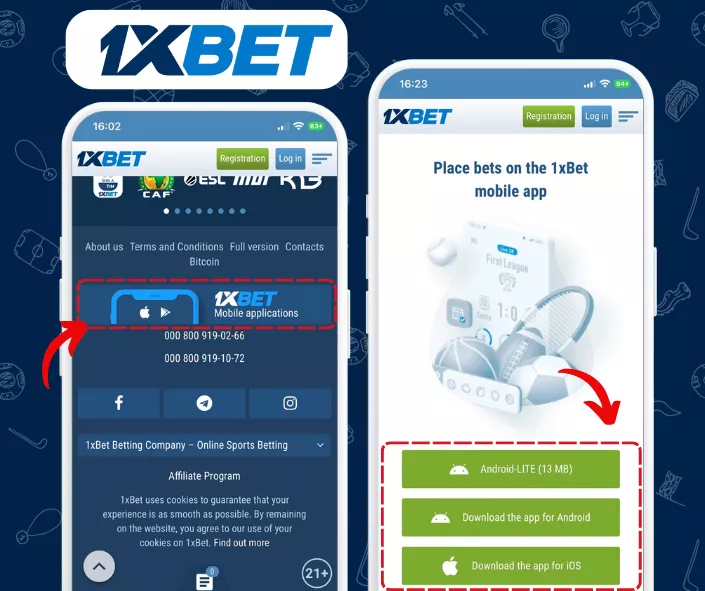
The APK is the Android package for 1xBet, the installable file that puts the sportsbook and casino on your phone. Because betting apps are often absent from Google's store, most users download the file directly from a 1xBet app page such as 1xbet app mobile download new version rather than through a marketplace listing. Before you tap anything, confirm the page address matches the brand's genuine domain, watch for the secure-connection padlock, and avoid mirrors pushed through random messaging groups. A fake APK can look identical to the real one, so the source matters more than the file name.
Once the download finishes, a copy of the file sits in your downloads folder, which is handy if you ever need to reinstall without fetching it again.
From Download to First Login
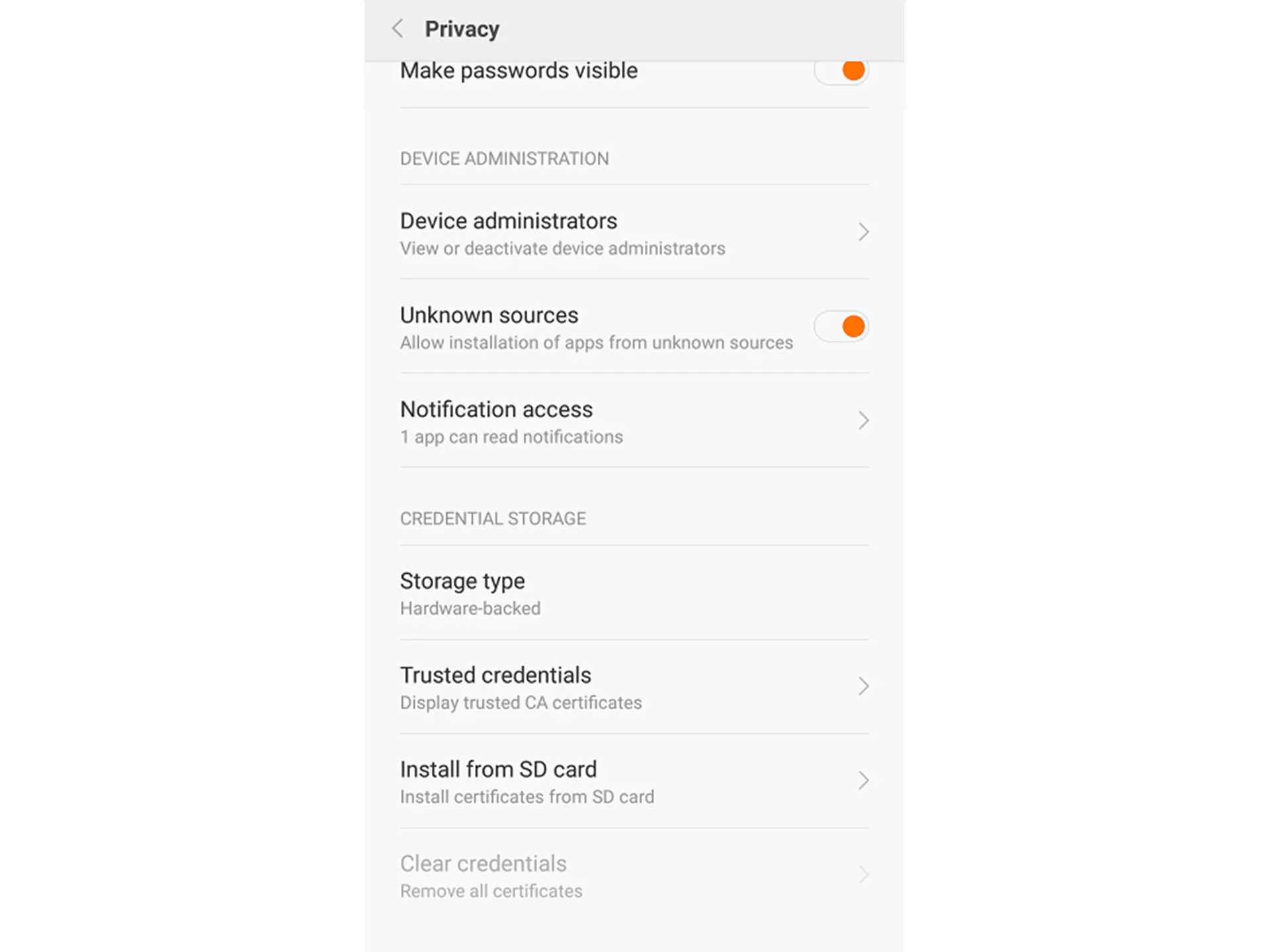
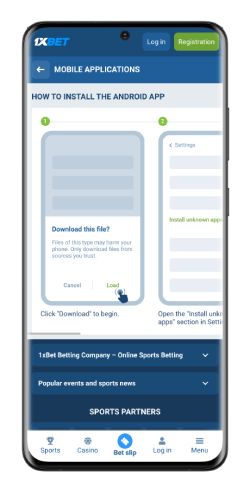
Installing an APK means working with Android's unknown-sources control, and the flow is shorter than most people expect:
- Start the downloaded file from your notification shade or file manager.
- When Android blocks it, follow the prompt to allow installs from that specific source, such as your browser or file manager.
- Return to the file, press install, and wait for the confirmation screen.
- Open the app, sign in with your existing account, or register a new one inside the app.
- Go back to settings and switch the unknown-sources permission off again on your device.
This last step is worth the ten seconds it takes. The permission is granted per app-source, not system-wide, so revoking it afterwards keeps your phone tighter without affecting the installed app the first time. If you grabbed the file through a 1xBet download page like 1xbet app mobile download, the same flow applies regardless of which browser handled the transfer.
Staying on the Current Version
Updates arrive outside the Play Store system, so the app itself is what tells you a newer build exists. Typically a prompt appears on launch, offering to download and install the fresh version over the old one. Accepting it keeps your account, settings, and login session intact in most cases, though the exact behaviour can differ between releases and regions.
One technical detail deserves attention: Android only lets an update replace an app when both versions carry the same signing certificate. If you installed a build from one source and later try to update with a file signed differently, the system refuses. The workaround is uninstalling first, but that can wipe locally stored data such as saved logins or cached preferences, so note your credentials before you do it. Reinstalling from a consistent source avoids this mismatch entirely.
What Daily Use Actually Looks Like
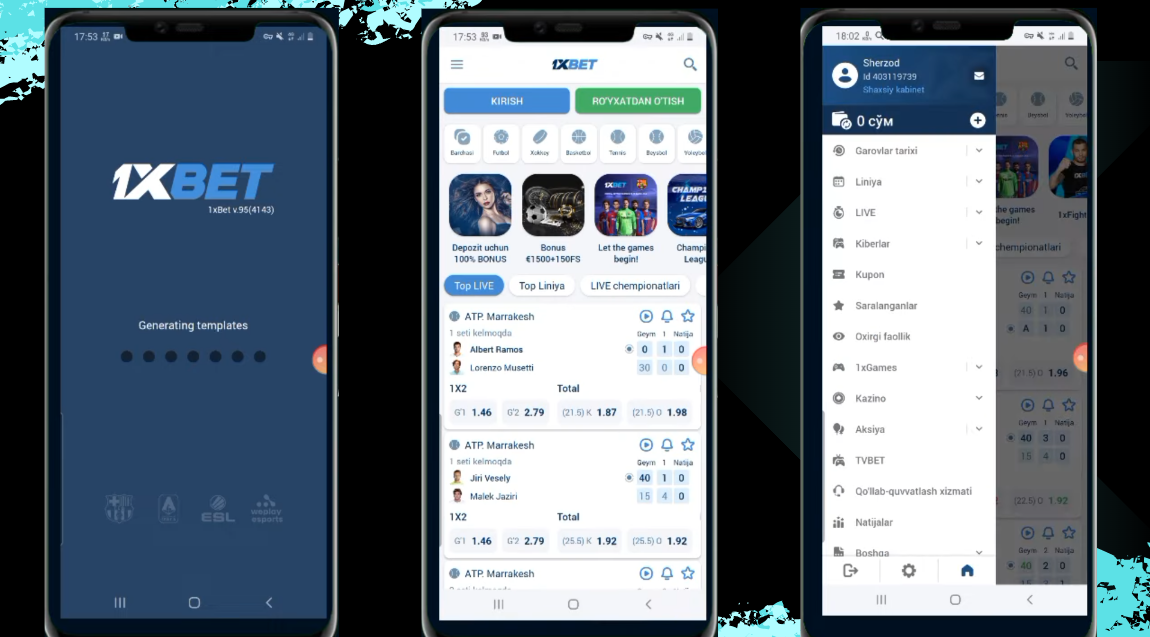
After a week or two, the app settles into a routine. The home screen usually splits between upcoming sports fixtures and live events, with the casino one tap away. What you see on the front page depends on your region and the current release, but the core sections stay consistent:
- Pre-match sports betting with the full market list per event
- Live betting with odds that shift as play unfolds
- Casino and live-dealer tables inside the same account
- Deposits and withdrawals through the cashier section
- Account settings, bet history, and verification uploads
Live betting is where the app earns its place on your home screen. Odds move fast, and the mobile interface is built for quick slips rather than long browsing sessions. The cashier handles the same payment methods your account supports on desktop, though the exact list varies by country. One account works across app and website, so a bet placed on your phone shows up when you log in from a laptop later.
Quick Reference: App Versus Browser
Both routes reach the same account, but they behave differently in daily handling:
| Situation | APK App | Mobile Website |
|---|---|---|
| Setup effort | One-time install with permission step | None, open the site and log in |
| Updates | Manual or in-app prompt | Always current automatically |
| Speed on repeat visits | Generally faster once installed | Reloads each session |
| Storage space | Uses device storage | None beyond browser cache |
| Login persistence | Stays signed in longer | May ask more often |
When Something Goes Wrong
Most installation trouble falls into a handful of familiar patterns, and each has a straightforward fix:
- Install blocked: the unknown-sources permission is off for the app handling the file, so enable it for that source only.
- Parsing or package errors: the file is corrupted or incomplete, so delete it and download a fresh copy.
- Update refused: the new file is signed differently from the installed build, so uninstall first, keeping your login details handy.
- App opens but will not load: check your connection, then clear the app cache from Android's app settings.
- Site unreachable: access rules differ by region, and availability can change, so the mobile website through your browser is the fallback.
That fallback deserves a mention of its own. The mobile website mirrors the app's main functions without any installation, any permission changes, or any storage cost. If your phone is low on space, if you share a device, or if an update refuses to cooperate on a busy matchday, the browser version keeps you betting while you sort the app out later.

FAQ
Does the 1xBet APK package update automatically?
Not in the background like store apps. The app usually notifies you when a new version exists and offers an in-app download. You confirm, the new file installs over the old one, and your account stays logged in under normal circumstances.
Is it safe to leave unknown-sources enabled?
Better not to. Android grants that permission per source app, so turning it off after installation does not affect 1xBet. Leaving it active only increases the chance of an unwanted install later, which is why revoking it is a sensible habit.
Why did my update fail with a certificate error in practice?
Android blocks updates when the new APK is signed by a different certificate than the installed version. The fix is uninstalling the old build first, then installing fresh. Be aware that uninstalling can erase locally stored app data.
Can I still use the same account on the app and the website?
Yes. One account works across both, with balance, bet history, and open bets shared between them. Many users keep the app for daily betting and use the browser version as a backup when the app misbehaves.
What if the app is not available in my region on Android?
Availability varies by country, and even the download page can differ by location. The mobile website is the practical alternative, since it needs no installation and generally reflects whatever access is permitted where you are.